
Signature African · Listicle
5 rules for posts that travel
A confident, high-contrast look for ideas worth sharing.
Storyloom Studio
Turn a thought or a link into an editable carousel for the feed.
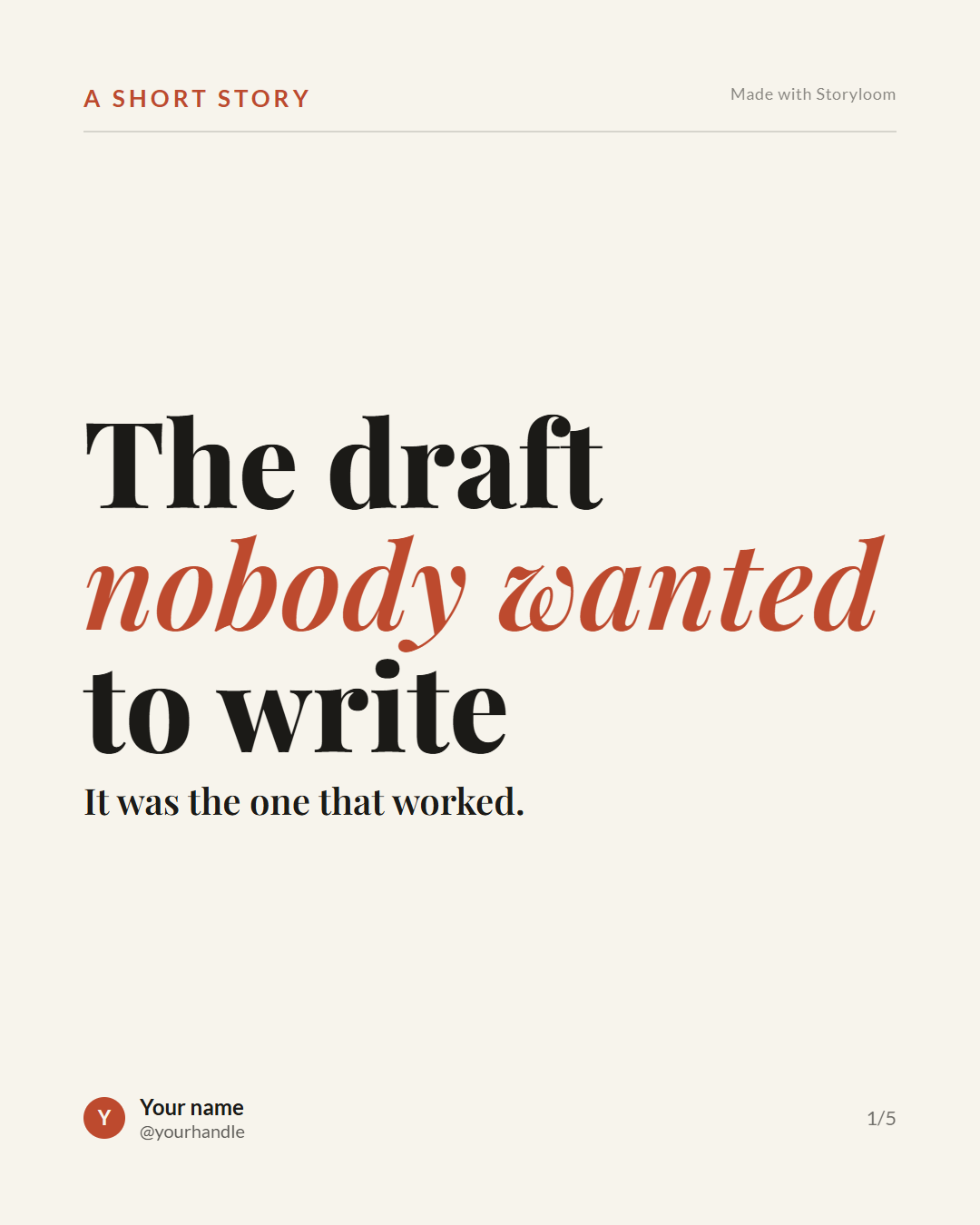
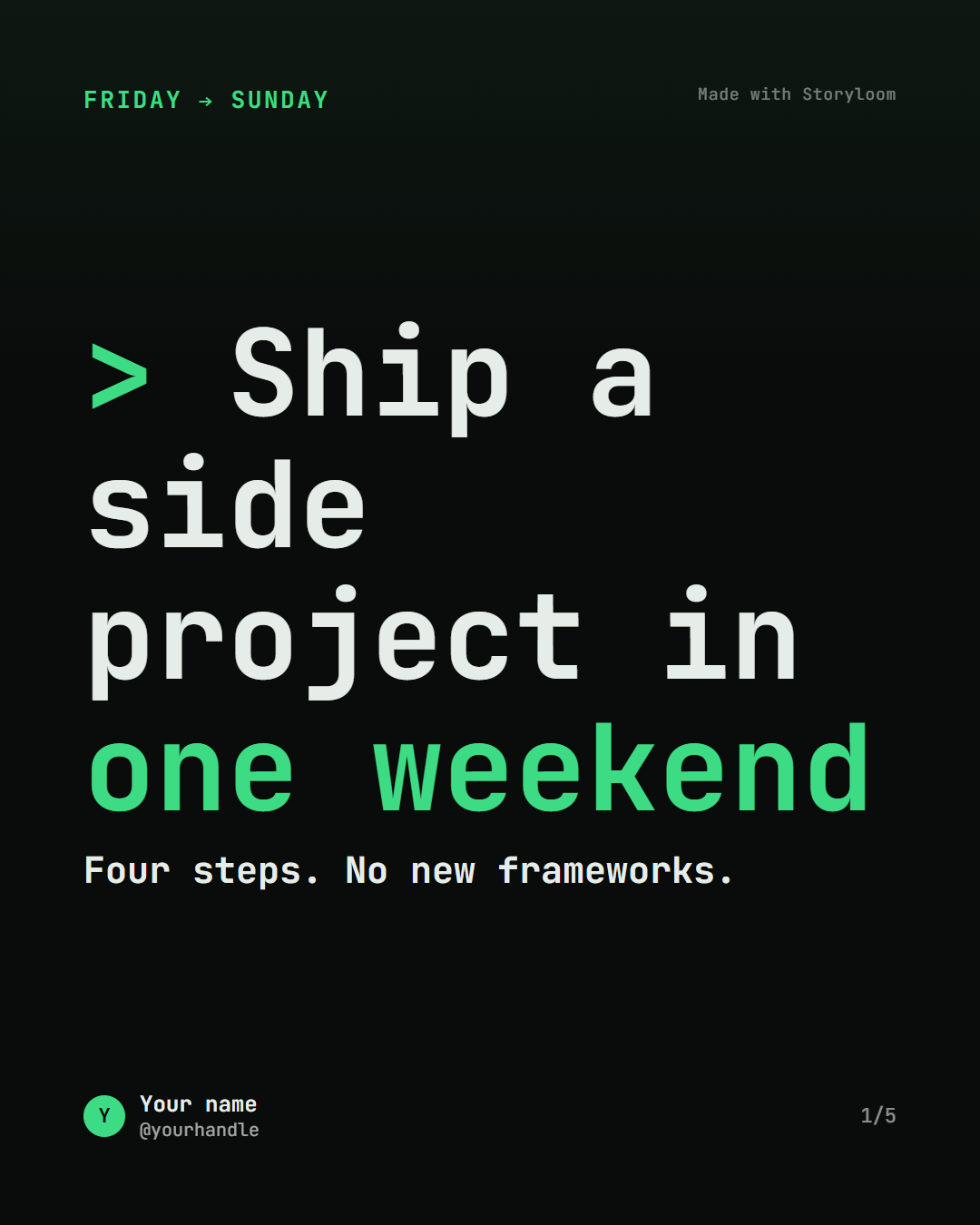
Choose a style. Edit every slide.
Paste your writing or an article URL. Storyloom structures it into slide copy. Choose listicle, how-to, story, myth-bust, case-study, or manual.
Pick a template and edit it yourself. No token needed. Best for testing the editor or when you already know what you want to say.
Save brand details • Reorder / add / remove slides • Edit text on canvas or in editor • Undo/redo • Export PNG, PDF, or ZIP
Four moves from idea to finished carousel.
Start with your own writing or an article.
Pick slide count 5–10, narrative shape, platform, and Signature African / Editorial Clean / Mono Terminal.
Change words, reorder, add or remove slides, apply your brand. Live preview uses the same HTML/CSS that exports.
Download PNGs, a PDF, or a ZIP. 1080×1350, 4:5 for LinkedIn and Instagram.
Each image is an actual Storyloom starter template.
A confident, high-contrast look for ideas worth sharing.
Storyloom is in development and being tested with hackathon participants. Start with a template for free, or use available credits to generate a carousel with AI. Commercial plans and pricing have not been finalized.
Template-first creation does not call the model. AI generation uses one credit.
Try the MVPGood to know
Storyloom is for creators who want an easier way to turn their writing, topics, memories, or an article into editable slides. Start with a template or generate with AI, then edit and export your slides.
You can start with text you paste in or a link to an article.
Written to disk on the server per slide, a combined PDF, or a ZIP archive.
No. Template path is free and makes no AI call. Only Generate from text/link uses one credit.
No. Current output is text and layout via HTML/CSS templates. No AI illustration.
Studio — The workspace for creating and managing projects.
Project — A user’s saved, editable work. It contains the slides, their order, and the selected style that together make up the carousel content.
Template — A reusable starting point for a project. It may include sample content, slide structure, and a recommended style.
Style — The visual treatment applied to a project or template: typography, colors, and layout. It can be changed without replacing the project’s content.
Editor — The interface for working on a project: changing text, managing slides, applying a style, and previewing the result.
Carousel — The ordered set of slides created in a project and shared or exported.
Slide — A single page in a carousel.
Export — A downloadable version of the carousel, such as PNG slides, a PDF, or a ZIP.
HELP SHAPE THE NEXT VERSION
Turn an idea into a carousel and share feedback while the product is in development.
Open the studio